Born on a chip.
Built for everywhere.
FlxOS runs on ESP32 — a complete OS with rich GUI, built-in apps, and a one-command build system. From 4MB microcontrollers to full desktop platforms.
By the numbers
Advanced Capabilities
Built for performance, scalability, and visual excellence.
Rich GUI & Apps
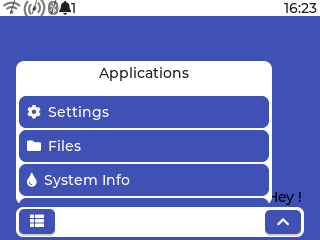
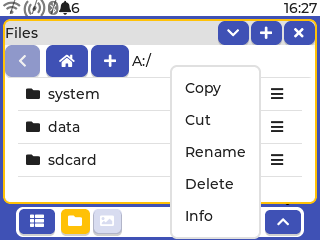
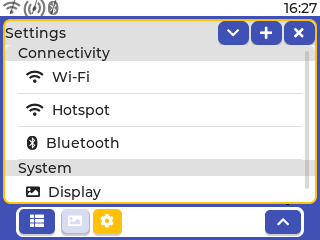
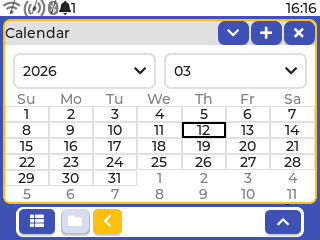
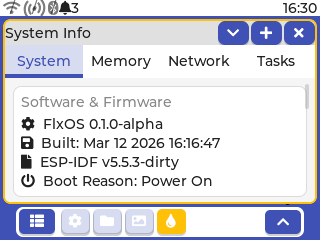
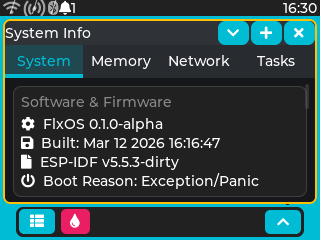
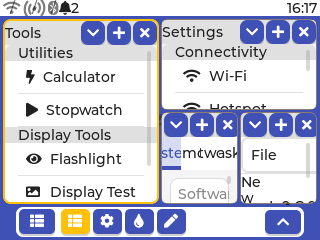
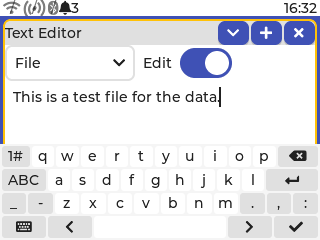
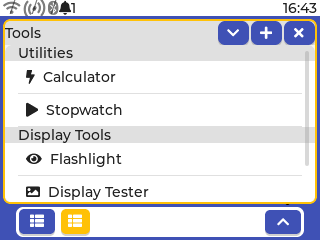
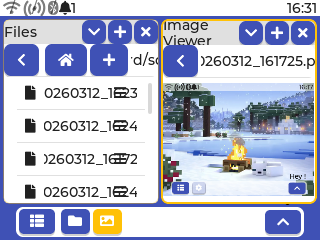
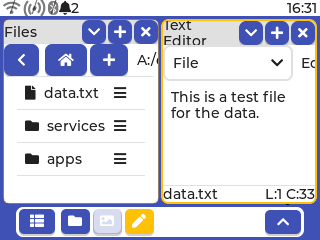
LVGL-powered touch UI with theming. Calendar, File Manager, Image Viewer, Text Editor, Settings, System Info — all built-in and extensible.
Multi-Board Support
ESP32, S2, S3, C3, C6, H2, P4 — profile system for hardware-specific builds.
Modular Architecture
Clean Core / Kernel / UI / Hardware layers — optimal performance & maintainability.
One-Command Builds
flxos.py CLI — select, build, flash, release.
Display-Agnostic
ILI9341, ST7789, and many more. Headless mode included.
Desktop Soon
Linux, macOS, and Windows — same rich UI, same architecture.
Why developers
choose FlxOS
Most embedded projects start with a RTOS. Then a display library. Then a UI framework. Then weeks of glue code before anything runs on screen.
FlxOS ships it all — unified, from day one, with a single CLI command to build and flash.
Traditional Stack
- FreeRTOS + LVGL + display lib — manual setup
- Manual HAL per board variant
- No unified build system
- Weeks to first working UI
- Embedded-only, no desktop path
FlxOS
- Fully integrated from day one
- Profile-driven per-board config
- One-command build & flash
- Running in minutes
- Scales to desktop (coming v2.0)
System Gallery
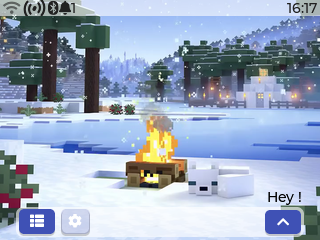
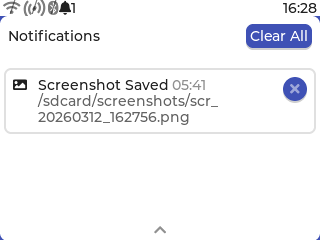
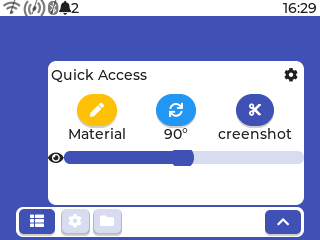
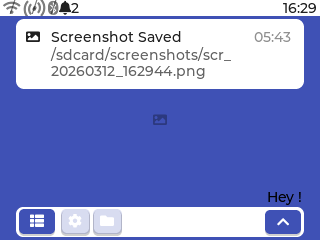
Eight key moments that show how FlxOS moves from polished home screen to real multitasking workflows.
Home Screen — Full Experience
Dock, status bar, dynamic wallpaper and live widgets — all running on a tiny ESP32 display.


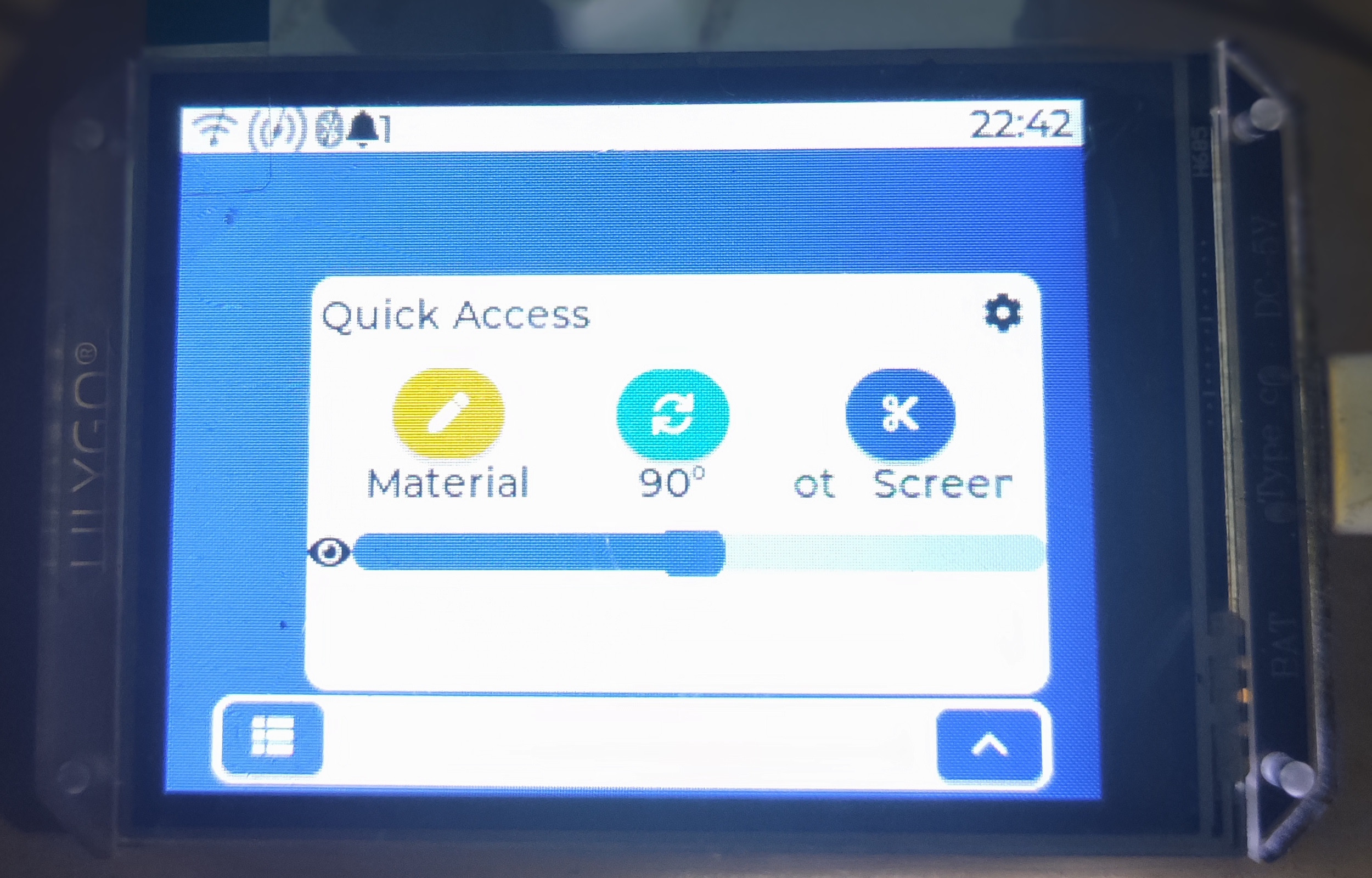
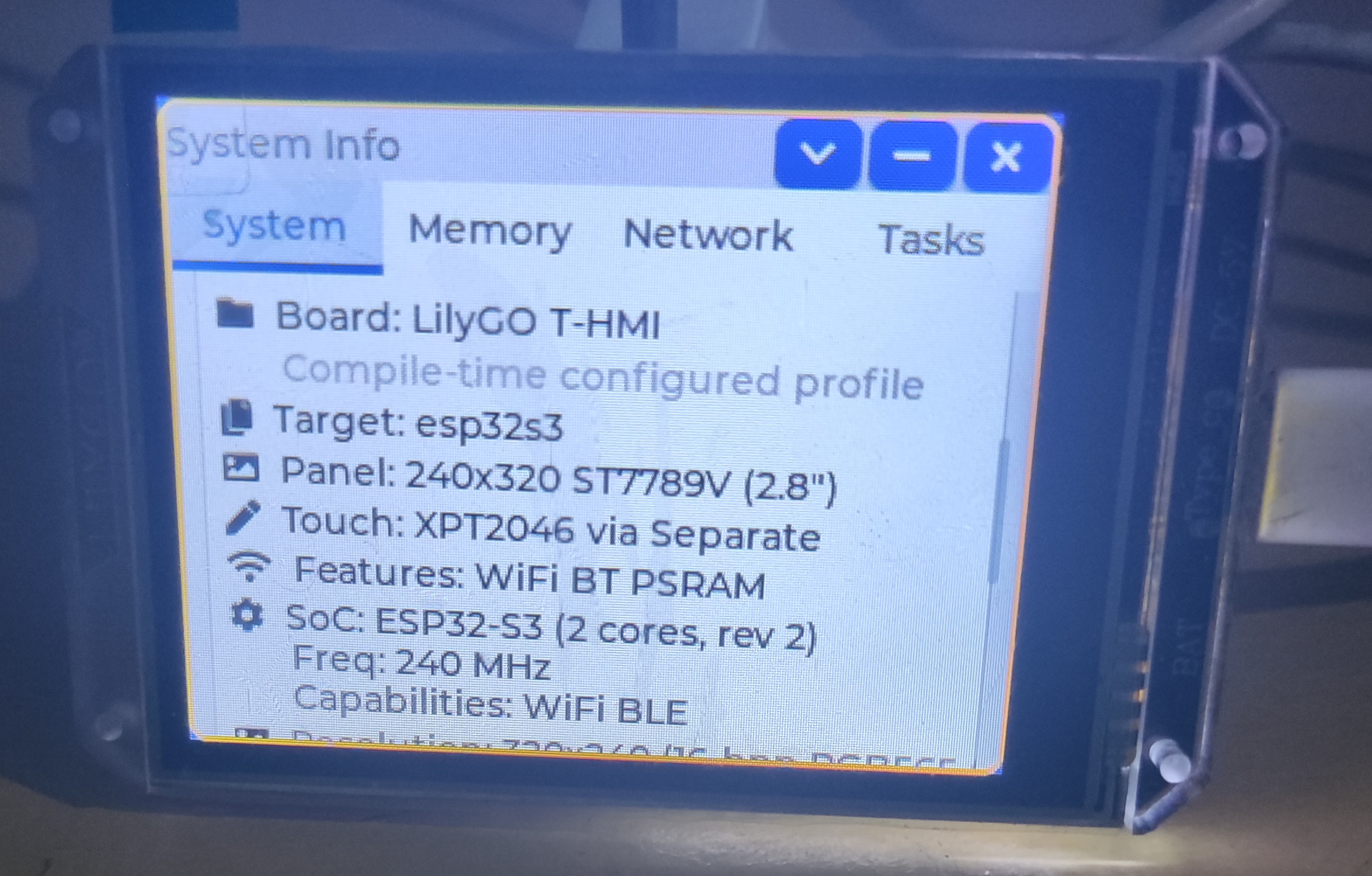
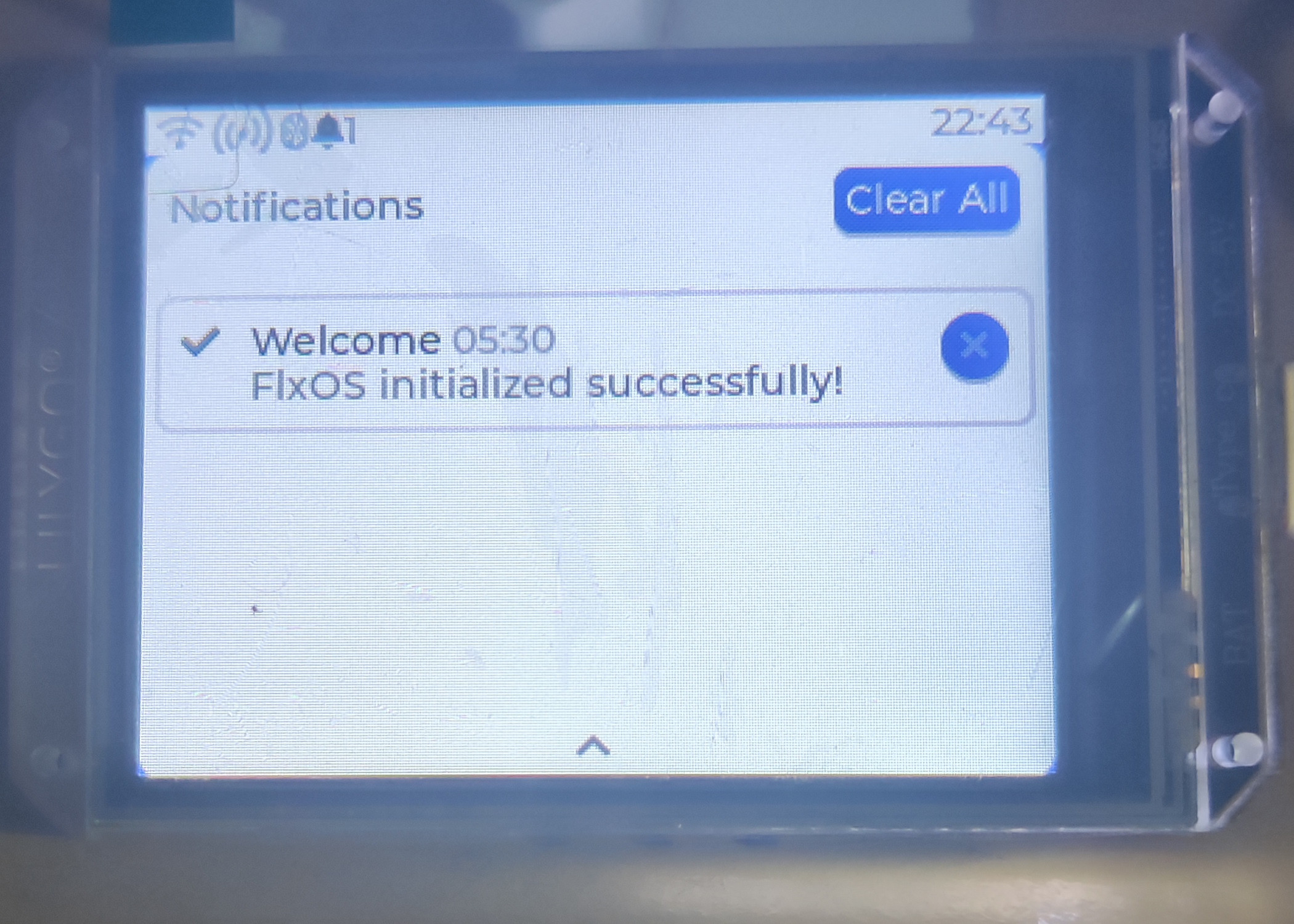
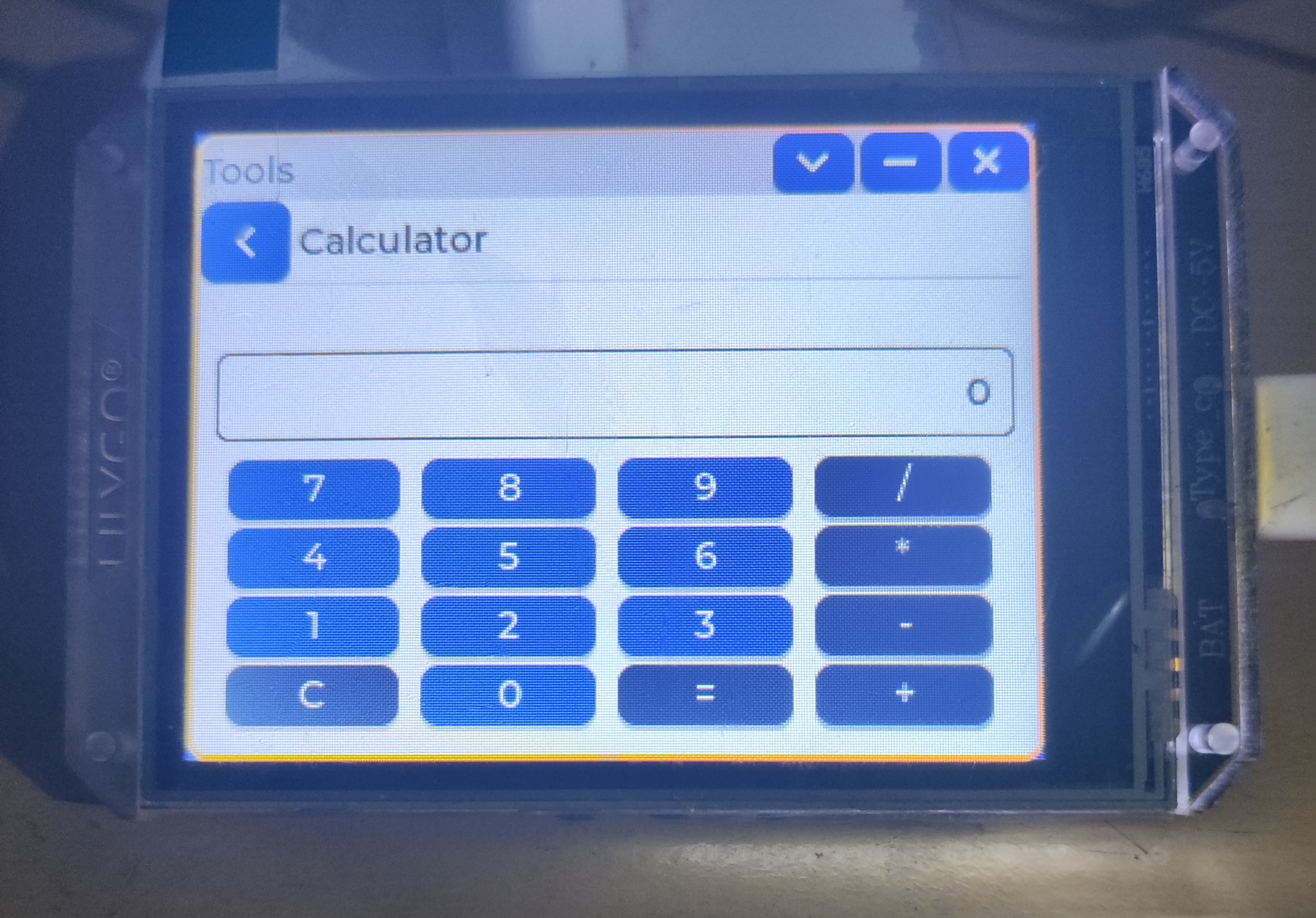
FlxOS on Real Devices
Not simulated. Not mocked. FlxOS running live on Lilygo T-HMI and ESP32 hardware.
Powered By
Built on industry-standard technologies for reliability and performance.
Chosen for native Espressif support, stable drivers, and the right low-level control for a real OS.
Chosen because it delivers rich embedded UI primitives without forcing FlxOS into a toy interface.
Chosen for fast display support across panels like ILI9341 and ST7789 with minimal friction.
Chosen to keep board selection, automation, and release tooling approachable on every developer machine.
Chosen for reproducible cross-platform builds as FlxOS expands from chips toward desktop targets.
Roadmap
Where FlxOS is headed — from embedded to everywhere.
ESP32 Embedded
Full OS with touch UI, hardware abstraction, built-in apps, and profile-driven builds.
Stable Release
Feature-complete build: Bluetooth, media player, theme customization, and extended hardware support.
Desktop Simulator
Develop and test FlxOS apps on your desktop without any physical hardware.
Desktop Native + Plugins
Run FlxOS on Linux, macOS, and Windows. Community-driven app and driver extensions.
Join the Community
FlxOS is open source and community-driven. Get involved today.
Contribute
Submit pull requests, fix bugs, or add new features. Every contribution matters.
Read Contributing GuideReport Issues
Found a bug or have a feature request? Open an issue on GitHub to help us improve.
Open an IssueGood First Issues
New to FlxOS? Start with beginner-friendly issues tagged for first-time contributors.
Browse IssuesStar on GitHub
Show your support by starring the project. It helps others discover FlxOS.
Star the RepoBuilt with the community
Real developers. Real hardware. Real feedback driving FlxOS forward.
Please add support for T-HMI. I tried to compile it and I am available for testing. This project is exactly what I've been looking for.
Ready to Build?
Get your environment set up and start developing with FlxOS in minutes.
git clone --recurse-submodules \
  https://github.com/flxos-labs/flxos.git
cd flxos# Requires ESP-IDF v5.5+
source $IDF_PATH/export.sh# List available hardware profiles
python flxos.py list
# Select your board
python flxos.py select esp32s3-ili9341-xpt# Build the project
python flxos.py build
# Flash to your device
python flxos.py flash --port /dev/ttyUSB0From clone to flashing in one clean flow
The build experience is part of the product. FlxOS uses a profile-driven CLI so setup feels guided instead of stitched together from docs, shell history, and guesswork.